
One box,
straight to your door.
When your parcels are checked and waiting in your Warehouse, choose what to send, how to pack it and which carrier to use.

Open your Warehouse
Go to Warehouse in your dashboard. You'll see every parcel that has been checked and is ready to ship.
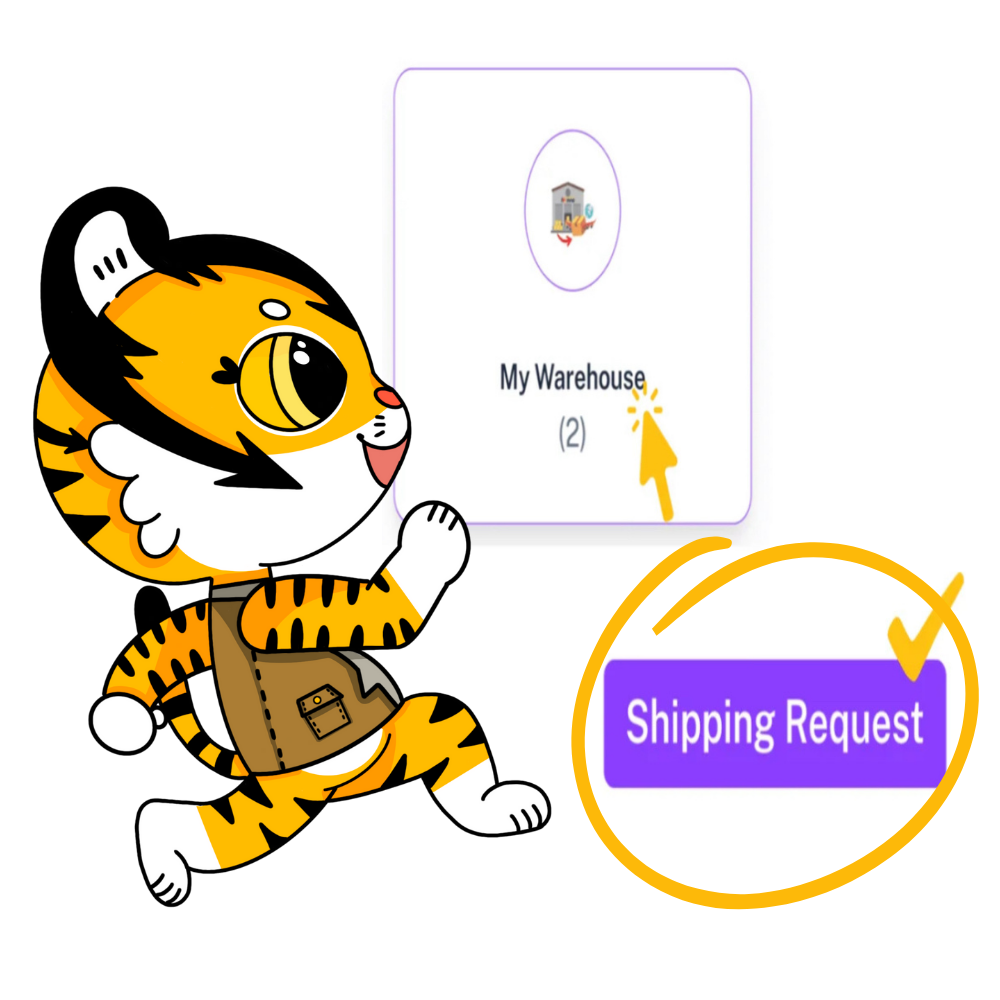
Request shipping
Tap Shipping Request. Pick one parcel, or several to combine into one box.
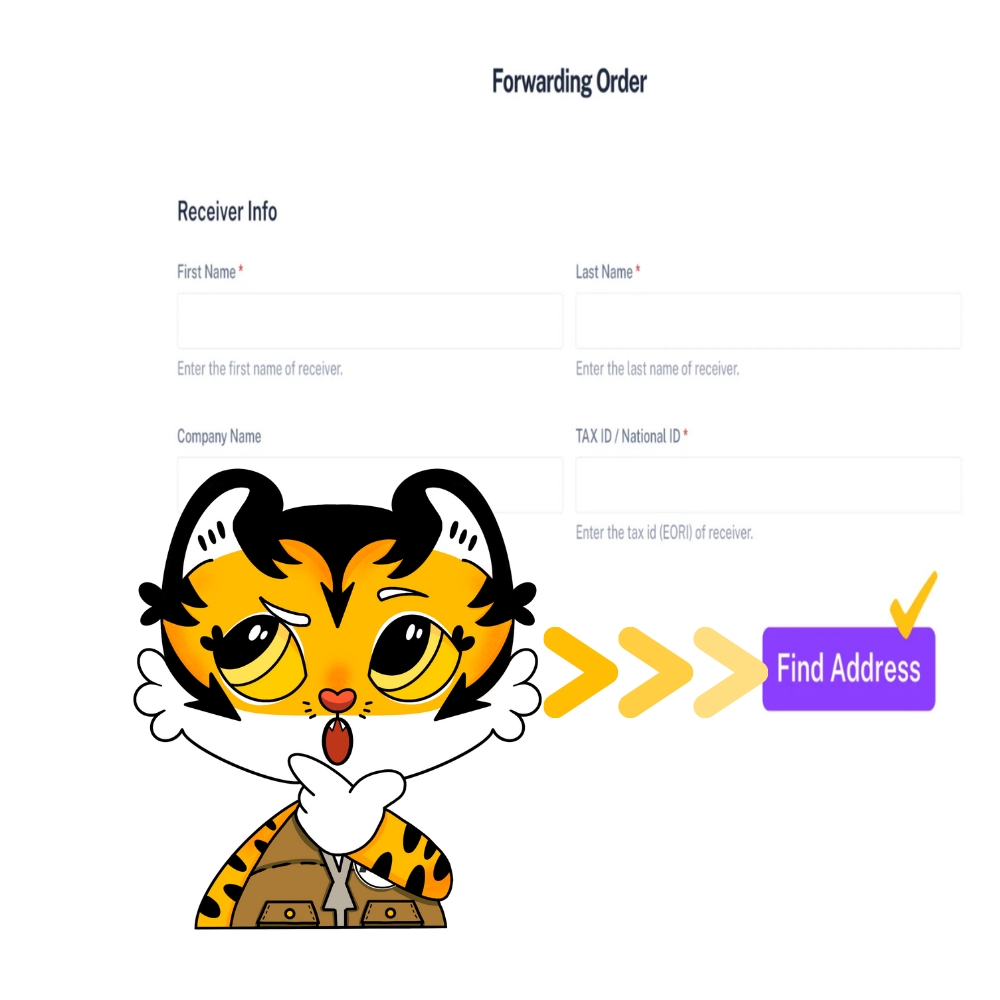
Add your delivery address
Tap Find Address to search for your address.
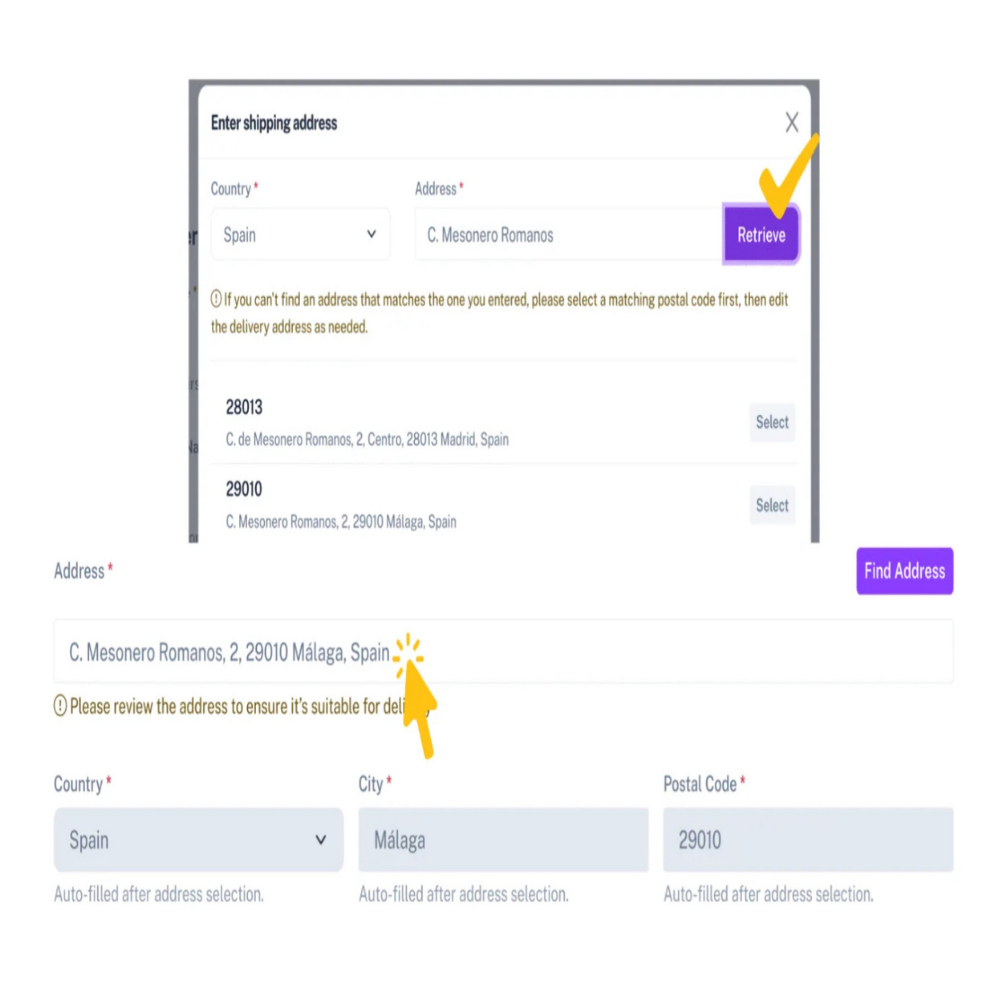
Check your address
Add or correct details such as apartment number, postal code and phone number.
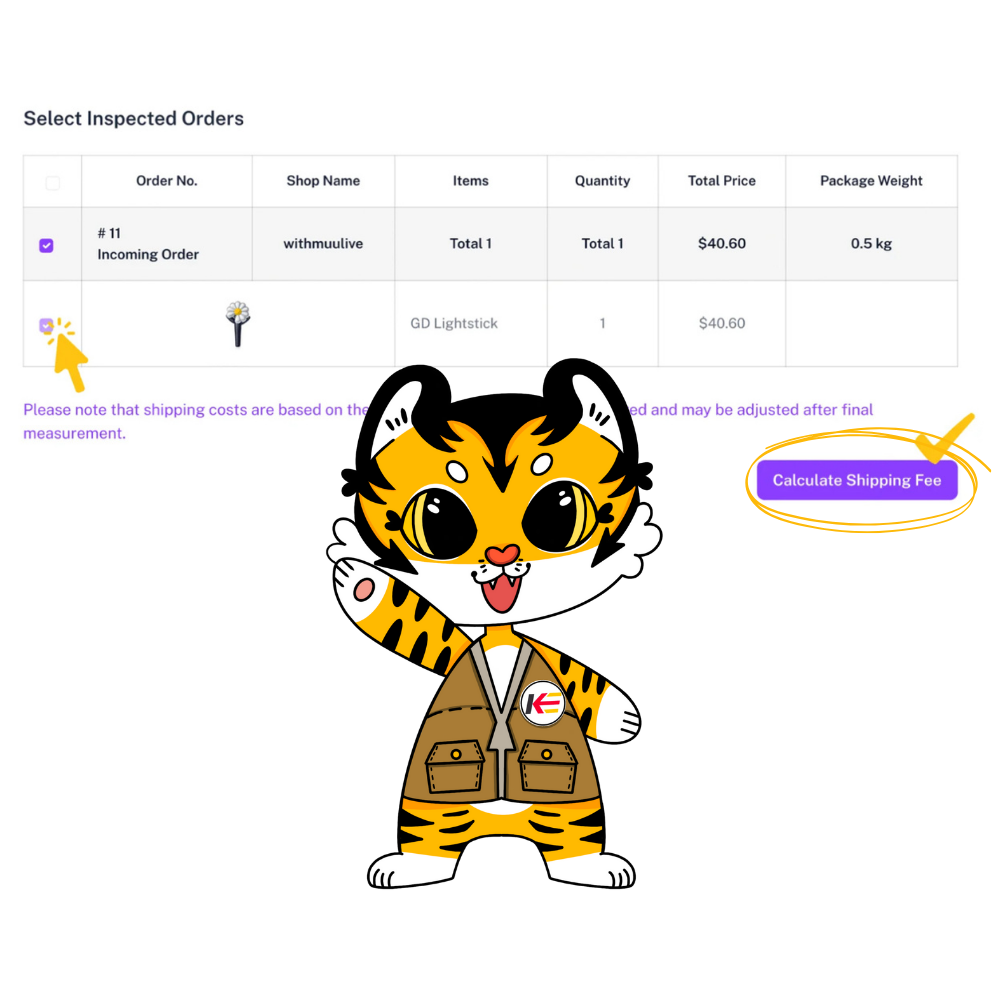
Choose items, packing and carrier
Select the parcels or items to send. Add packing requests (extra bubble wrap, remove outer boxes) and notes for the carrier. Then choose FedEx or Korea Post EMS and the speed you want.
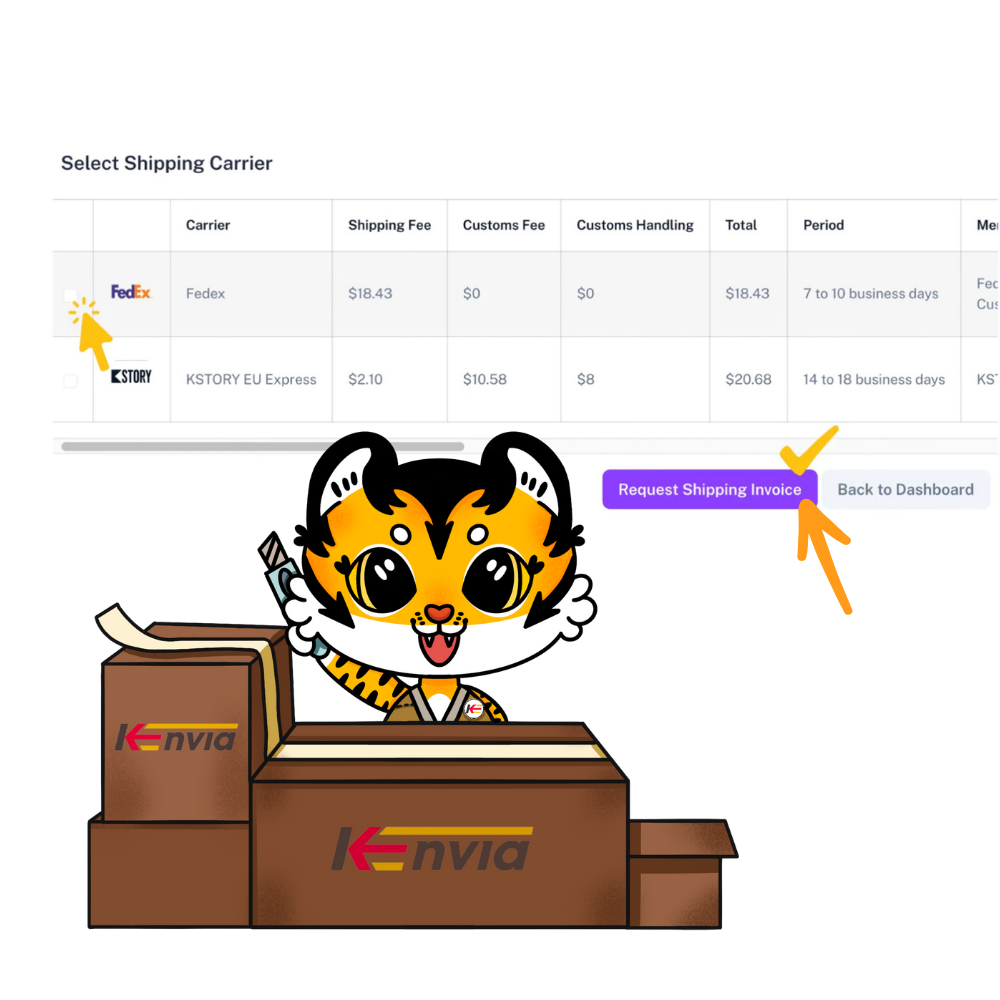
Get your quote and pay
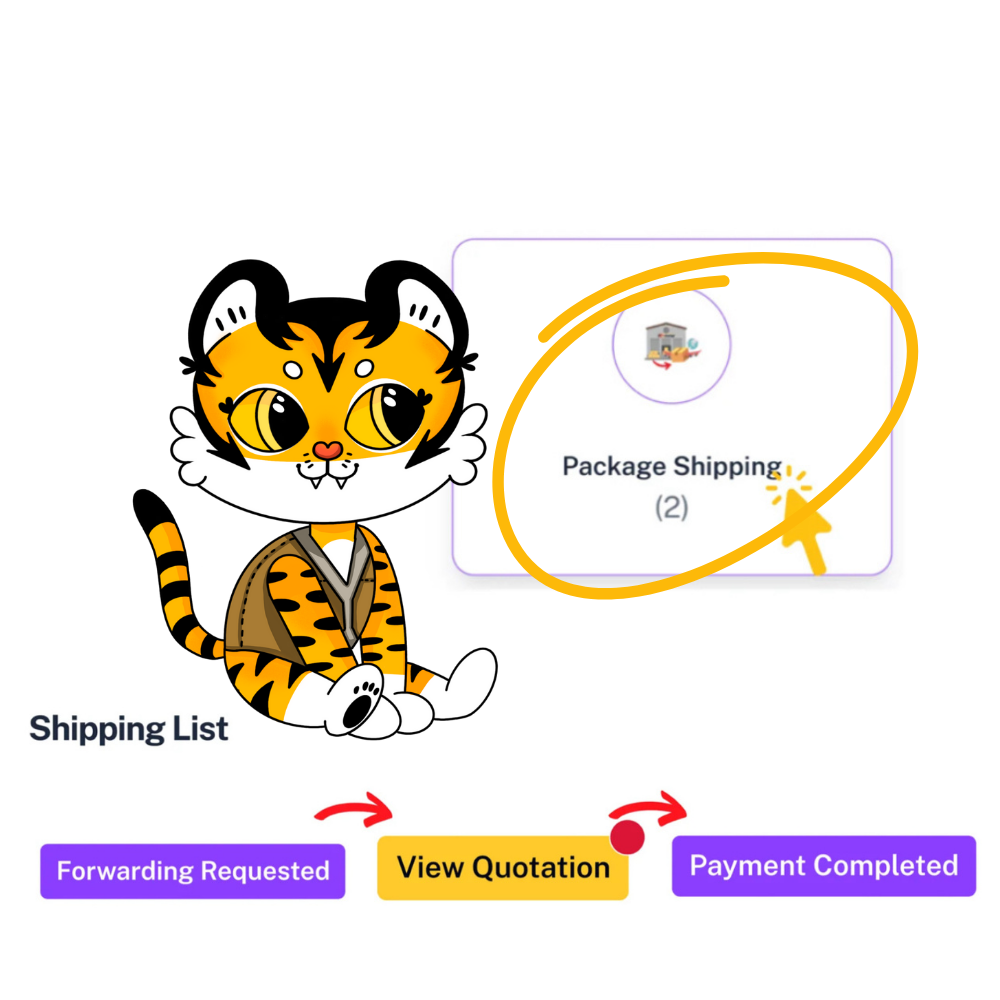
We weigh and pack your box and send you a quote. Check it and pay from your dashboard. We ship right after payment and send you the tracking number.
How much will it cost?
See FedEx and Korea Post EMS prices for 57 countries.