
Shop any Korean store.
Send it to your KEnvia address.
Buy from Korean online stores yourself, ship to your KEnvia address, and tell us what is coming. We store it free for 365 days.

Your KEnvia address in Korea
Find your Korean address and Suite Number
After you sign up, your Korean address and Suite Number are assigned automatically. Use this address every time you order.
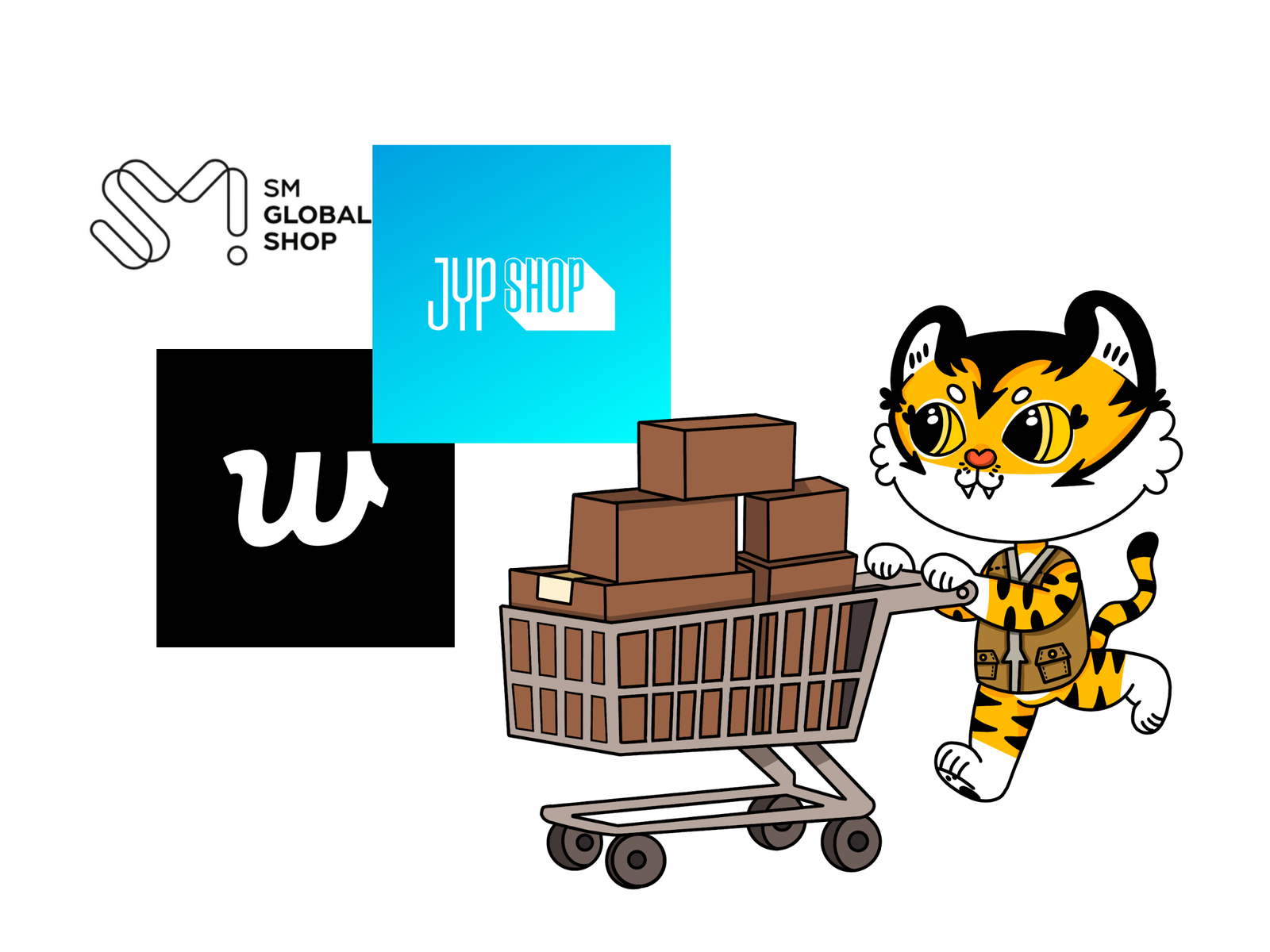
Shop for what you want
Browse your favourite Korean stores and add items to your cart. At checkout, enter your KEnvia address as the shipping address.
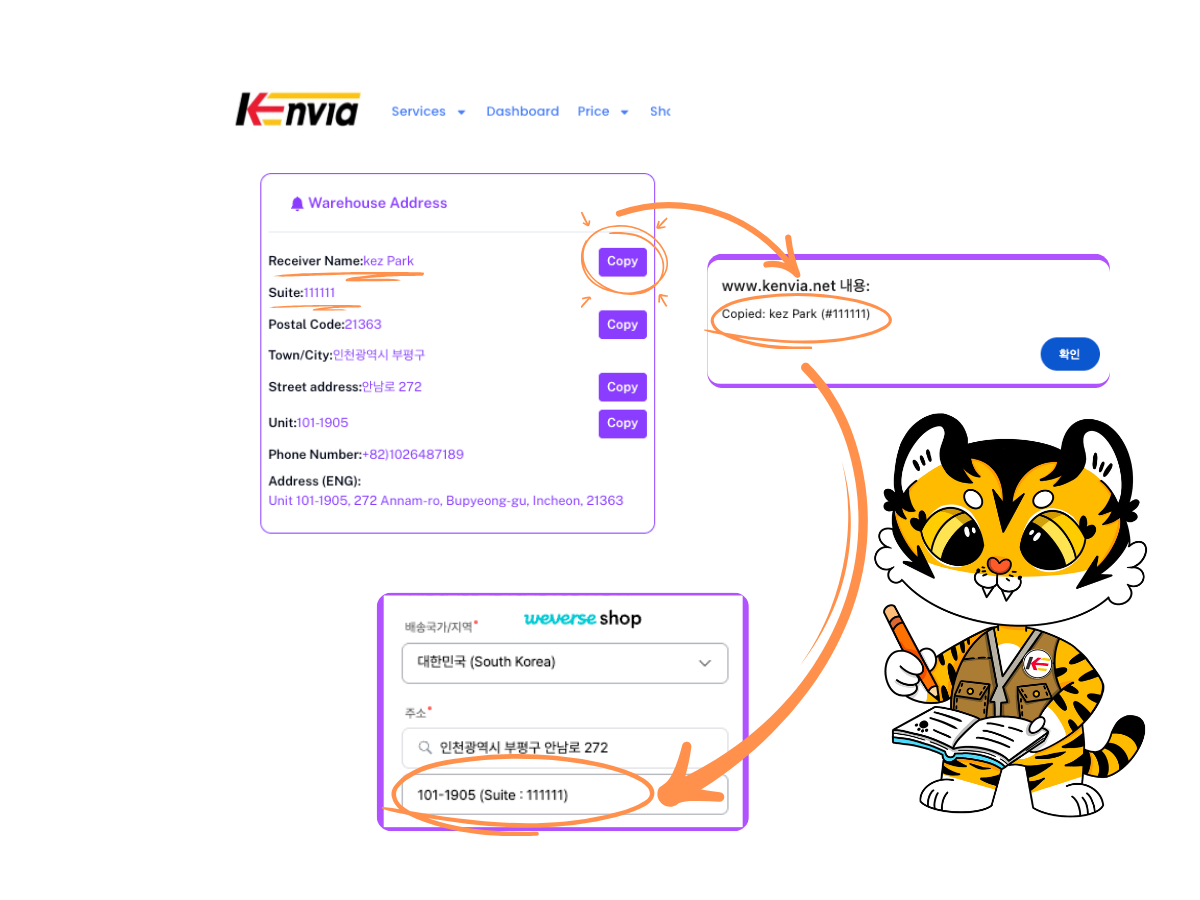
Enter the KEnvia address and your name
Use the copy buttons above or in your dashboard. Put 101-1905 (#Suite Number) in address line 2 so we can match the parcel to you.
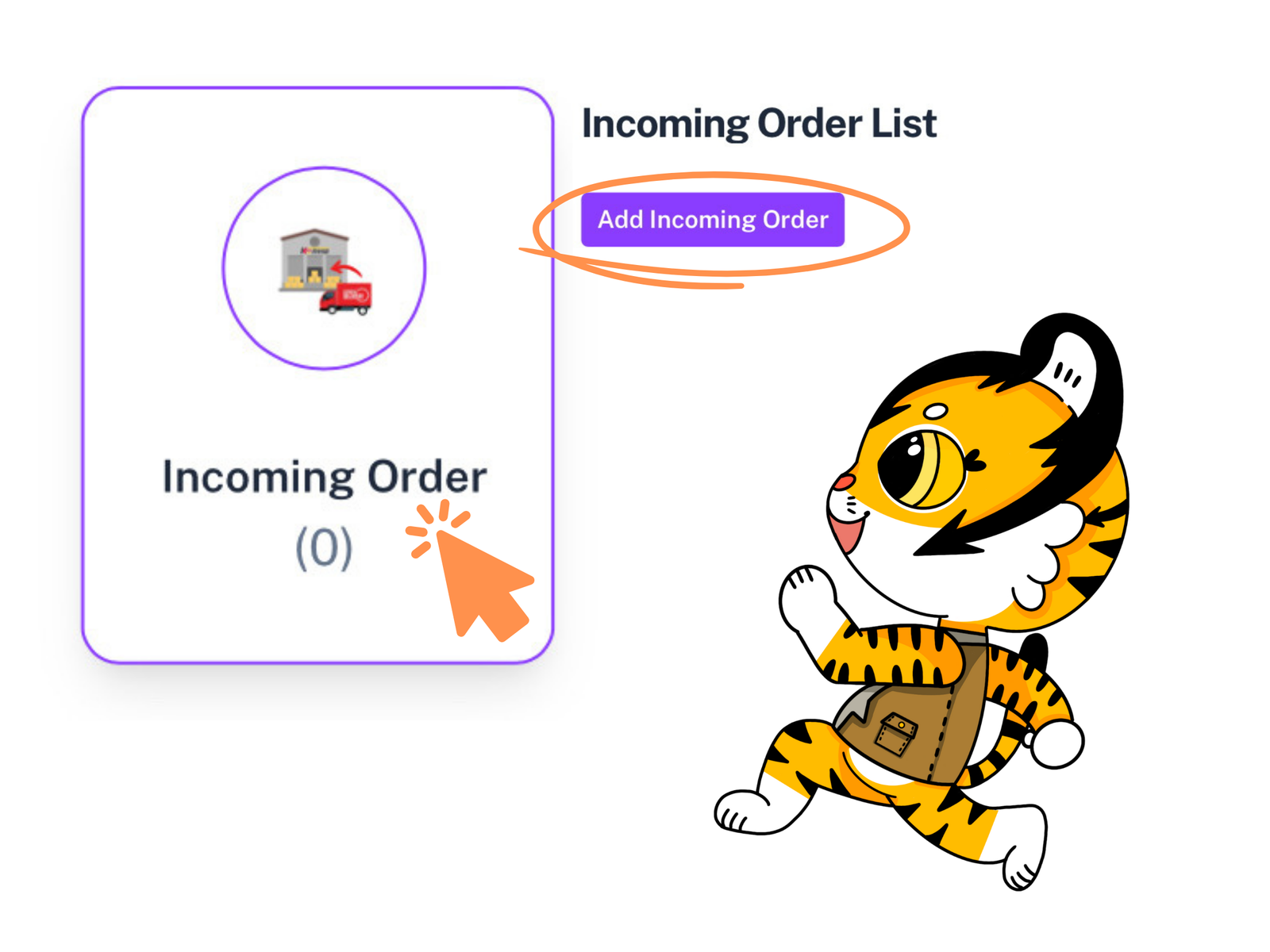
Submit your incoming order
After you order, tell us about it with an incoming order. It helps us prepare and process your parcel faster when it arrives.
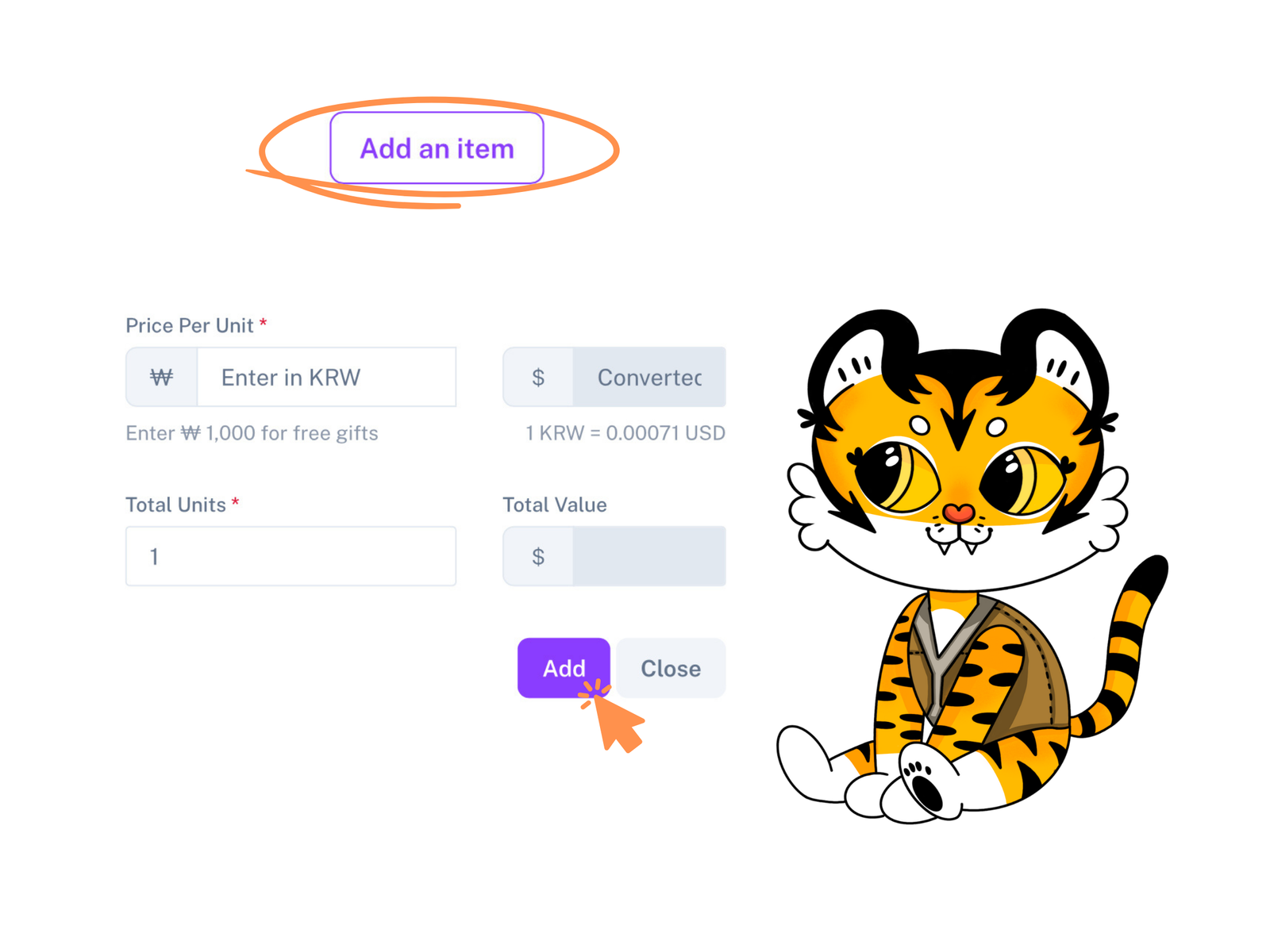
Add item details
Add each item's name, quantity and the Korean tracking number if you have it. Repeat for every item in the order.
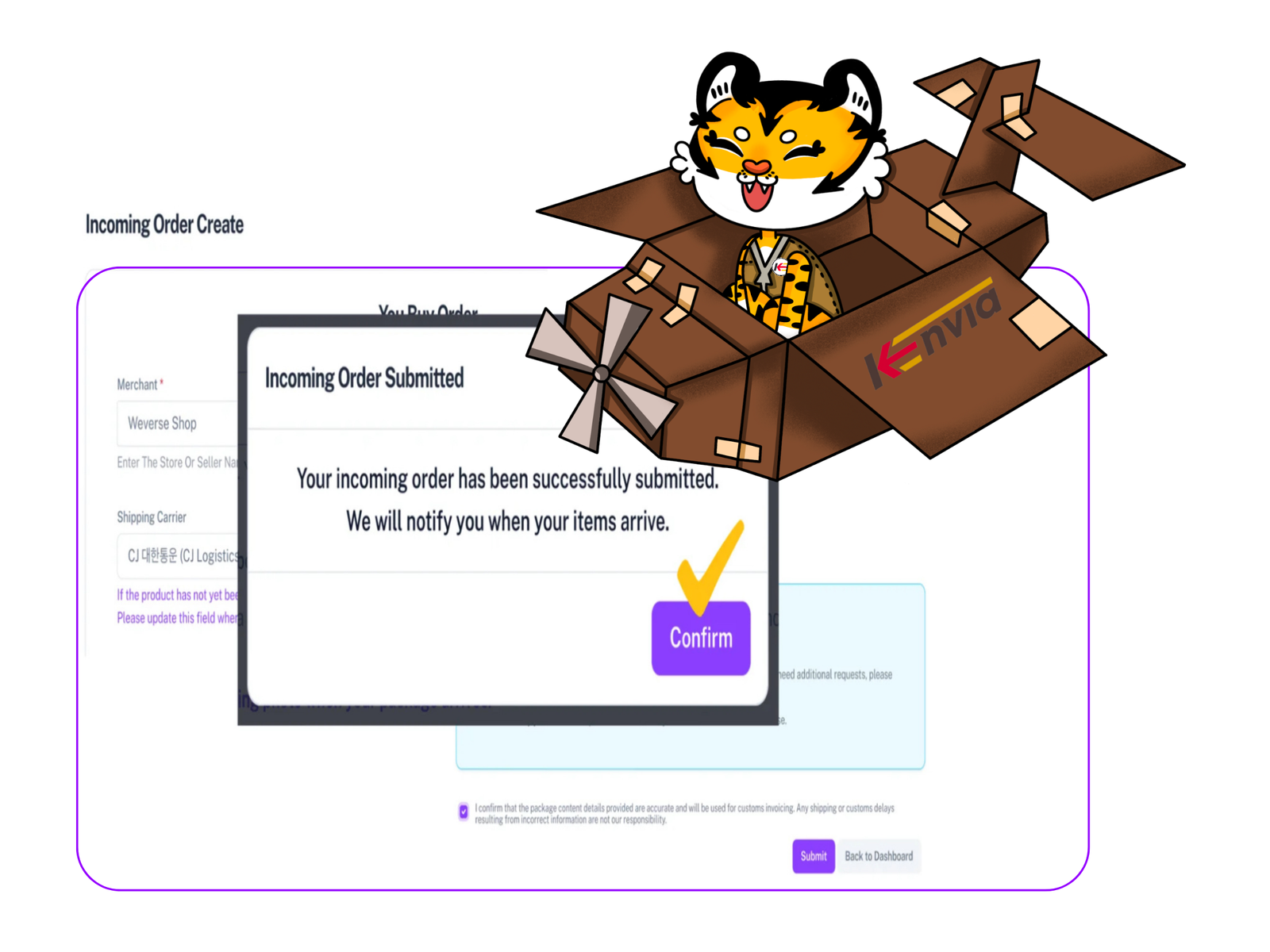
Order submitted
That's it. We'll let you know when your items arrive and have been checked.
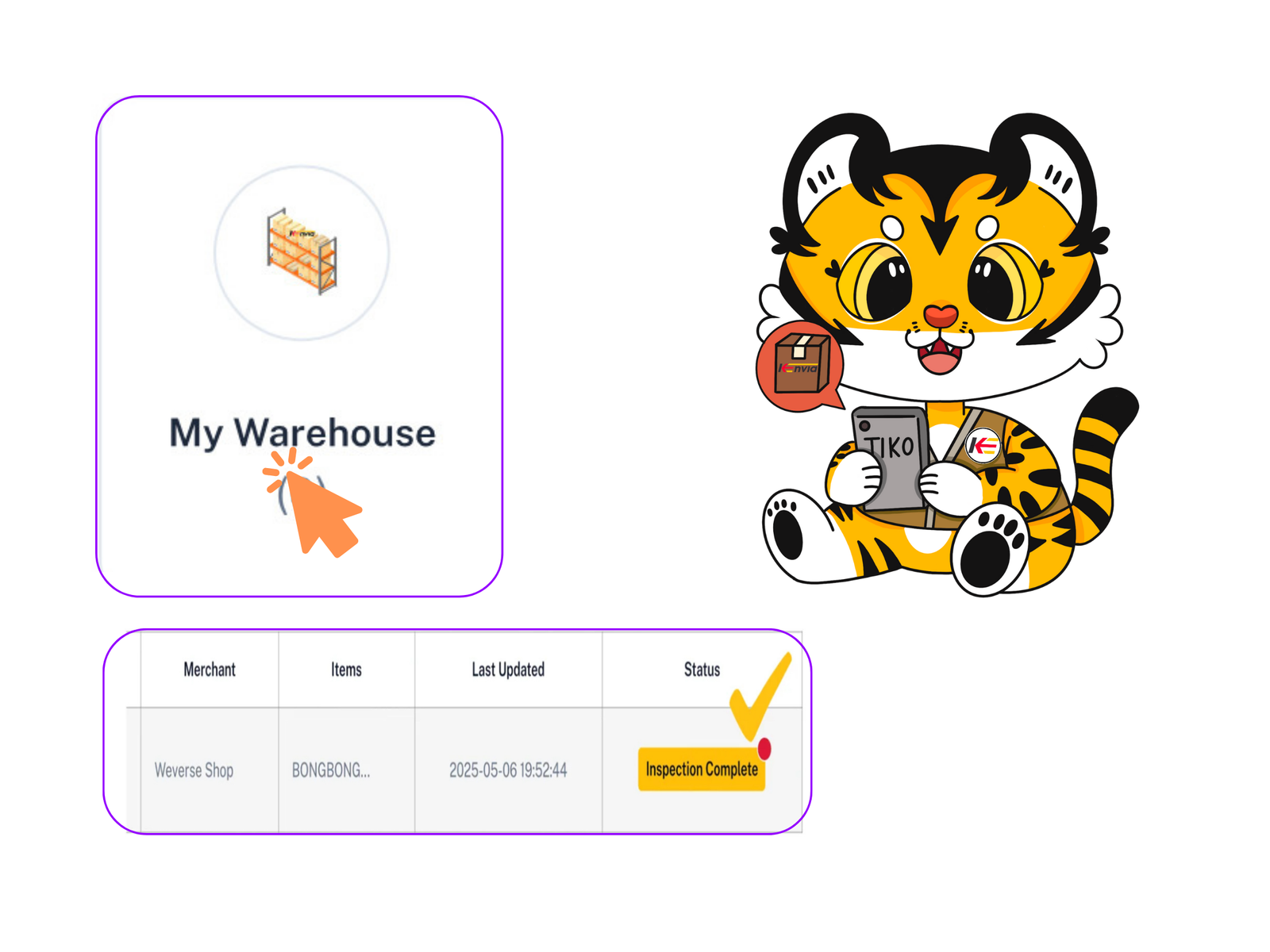
We receive and check your parcel
When your parcel arrives, we check it against your details and upload photos. The status changes to Inspection Completed and you can see everything in the Warehouse section.
Ready to ship?
When your parcels are in the warehouse, request international shipping in a few taps.